
Category: General web help
-
How to edit categories and tags in WordPress
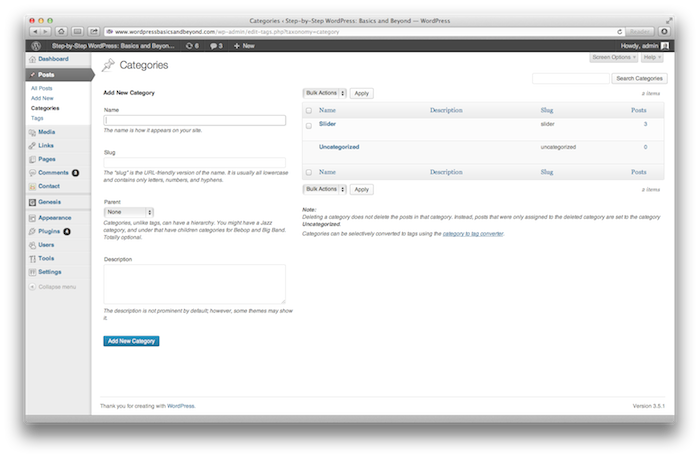
In WordPress, blog posts can be assigned categories and/or tags. Categories are like your website’s table of contents. These are the broad topic areas that your blog covers. Each time your write a post, you can assign one or more categories to that post. Then when visitors click on that category name (either in the…
-
How to edit pages and posts in WordPress

There are various locations that your website content can be added in WordPress. The majority of this content will live in either posts or pages. So which one should you use? And how can you edit the content in each?
-
Touring the WordPress admin interface
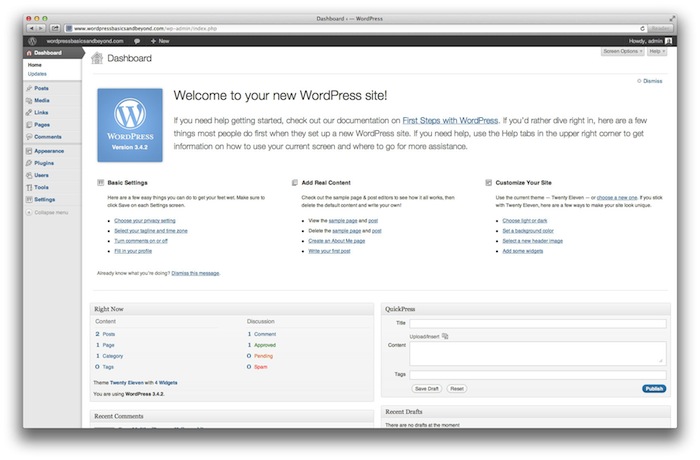
Once you’ve installed WordPress, you will need to learn how to navigate the WordPress admin interface. This back-end dashboard allows you to control all aspects of your site. This article contains a screencast guiding you through the more important areas of this admin interface.
-
The whys and hows of premium WordPress themes

I have just completed a total overhaul of my personal website, changing it from a freelancer-for-hire focus to a minimalist portfolio. Even though I’m a website designer, I chose a premium theme I’d never worked with before, and used it pretty much straight out-of-the-box, doing very few customisations to it. Why?
-
How to install WordPress the easy way
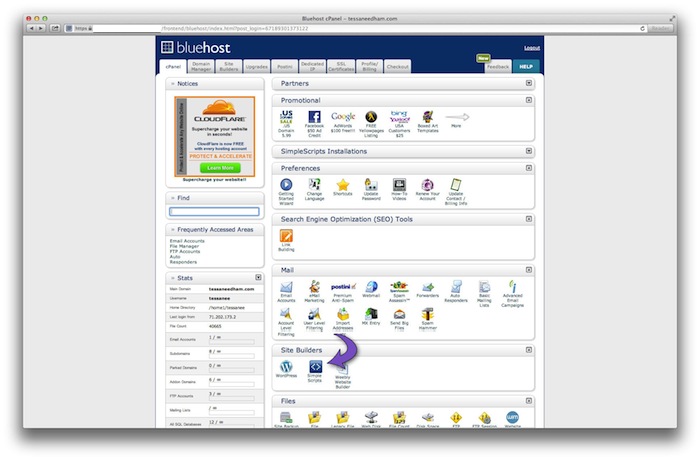
For many people, it can be difficult to even get WordPress installed, much less build an entire site with it. Following are a few tips to make the process easier for you…
-
What are the WordPress core files?

When you install WordPress, you are actually installing a group of files (the “WordPress core”) that become the admin interface of your website. You may never need to look into these WordPress core files. However, you will probably need to troubleshoot them at some point, and it will be very useful to have an understanding of…
-
Three no-code methods to lay out multiple photos in WordPress

Many WordPress users want to know how to display multiple photos in their blog articles, and lay them out effectively on the page. At first glance, WordPress doesn’t seem to be well-equipped to do some things easily. But there is usually a way to achieve anything you want, even without knowing how to code! The good…
-
How to create a non-linking parent item in a WordPress menu

We are often asked how to create specific functionality with WordPress. Although WordPress is an amazing platform, and has lots of great features, there are some things that aren’t necessarily too intuitive. One example is creating parent items in a custom menu that don’t link to a page. For instance, in the menu here on…
-
How to Speed Up Your WordPress Website

Loading speed is critical to the success of your website. Your website should be loading in a matter of seconds. If it’s too slow to load, you will lose visitors who won’t wait around when they could be visiting faster pages! So, let’s look at how to find out your page loading speed, identify common…
-
WordCamp San Francisco 2013 Liveblog: Grant Landram

This weekend, I’m virtually attending WordCamp San Francisco. Which means, I am watching the wonderful livestream from my chaotic, toddler-infused living room. I’ve already blogged about yesterday’s talks from Natalie Maclees and Tracy Levesque, and today I hope to write up a couple more. I was really interested to hear Seattle-based Grant Landram’s talk entitled…